Approval-First AI: Why a Person Should Sign Off on What Sales AI Sends
By the Tracklibute team · October 29, 2026
AI can now research a lead, draft a follow-up and update a CRM record in seconds. That raises a practical question for every sales team: should the AI just do it, or should a person check first? For anything that reaches a customer or changes an important record, our answer is clear: a person should approve it first. This article explains why, which actions need approval and which don't, and how to set up approvals without slowing your team down.
Key takeaways
- "Approval-first" means AI prepares the work and a person approves anything sensitive before it happens.
- Customer-facing messages, deal stage changes and important CRM edits should always need approval.
- Low-risk, internal work such as research and summaries can run without it.
- A good approval step takes seconds: the draft, the reason and one-click approve, edit or reject.
What is approval-first AI?
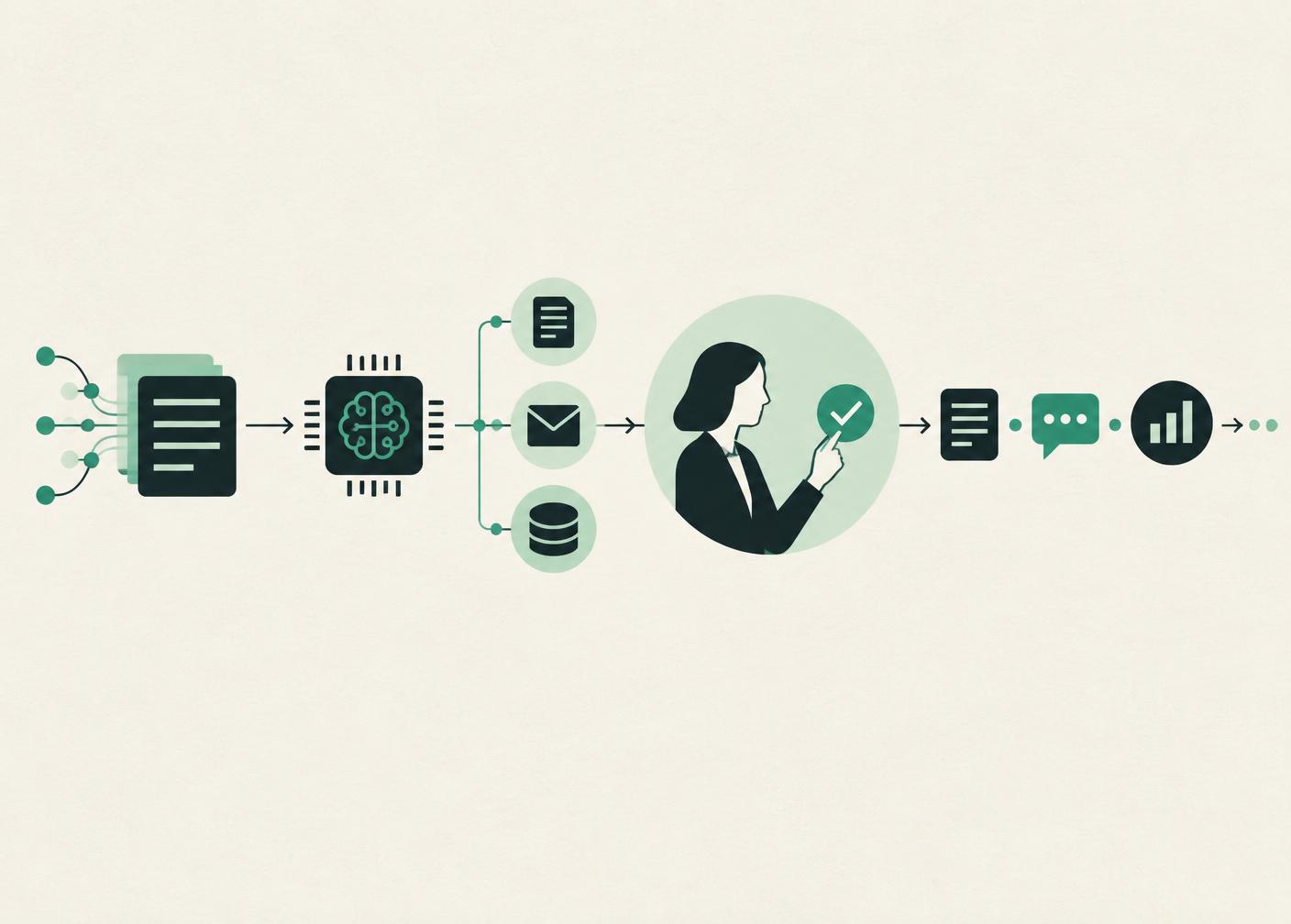
Approval-first AI is a way of using AI where the system does the preparation, such as research, drafting and suggested updates, but a named person reviews and approves sensitive actions before anything is sent or changed. It sits between "the AI only suggests" and "the AI acts on its own".
This isn't a new idea. The US National Institute of Standards and Technology (NIST), in its AI Risk Management Framework, notes that human roles in overseeing AI systems need to be clearly defined, and that setups can range from fully autonomous to fully manual, with some systems specifically needing human oversight (NIST). Sales communication is one of the clearest cases for oversight, because mistakes land directly with customers.
Why sales AI needs a human sign-off
Your reputation goes out with every email
A badly judged follow-up to a key account can't be unsent. The buyer doesn't care that an AI wrote it; it came from your company. A quick review catches the wrong tone, the wrong name or a message that ignores something said on the last call.
AI doesn't know what you didn't write down
AI works from the data it can see. It may not know that the buyer asked for a pause until after their board meeting, or that a discount was agreed by phone. The salesperson knows that context, and approval is where it gets applied.
Wrong CRM changes spread quietly
If an AI moves a deal to "closed won" by mistake, the forecast, commission reports and follow-up lists are all wrong until someone notices. Requiring approval for stage changes keeps your pipeline trustworthy.
Adoption is already widespread
Salesforce's 2026 State of Sales report, based on a survey of 4,050 sales professionals, found that 87% of sales organizations already use some form of AI for tasks such as prospecting, forecasting, lead scoring or drafting emails (Salesforce). As AI takes on more of this work, deciding where people stay in control matters more, not less.
Which actions need approval?
| Action | Approval needed? | Why |
|---|---|---|
| Researching a new lead | No | Internal, easy to check later |
| Summarising a call or email thread | No | Internal only |
| Preparing a meeting brief | No | Read by your team, not the buyer |
| Drafting a follow-up email | Yes, before sending | Reaches the customer |
| Sending any external message | Yes | Represents your company |
| Changing a deal stage | Yes | Affects forecast and reporting |
| Editing amount or close date | Yes | Affects forecast |
| Adding a note or task | Usually no | Low risk, easy to undo |
A simple rule of thumb: if it leaves the company or changes a number someone relies on, it needs approval.
How to make approvals fast
Approvals only work if they're quick. If reviewing a draft takes longer than writing it, people will skip the step or switch the AI off. A good approval step shows:
- The draft or proposed change, ready to send or apply.
- Why it was suggested, for example "No reply in 8 days after proposal".
- The context: the last message, the deal stage, recent notes.
- Three options: approve, edit, or reject.
Put approvals where your team already works, such as a single queue in the app or a message in Slack, and review them in a couple of short batches a day rather than one at a time.
Example: a morning approval queue
*This is an illustrative example, not a real customer.* A founder opens the approval queue at 9 a.m. and finds five items: three follow-up drafts, one suggested stage change and one meeting brief to read. She approves two drafts as written, edits the third to mention a pricing question from last week, and rejects the stage change because the buyer told her by phone they need another month. The whole review takes about six minutes, and nothing went out that she hadn't seen.
Where Tracklibute fits
Tracklibute is built approval-first. It handles the preparation, such as lead research, follow-up drafts, meeting briefs and CRM updates, and anything that reaches a customer or changes an important field waits in an approval queue for a person on your team. You can see how this works step by step on how it works. Approve-only seats are free on every plan, so managers and founders can review without a paid seat (pricing).
Frequently asked questions
Doesn't approval defeat the point of using AI?
No. The slow part of follow-up is research, context and drafting, and that's what AI handles. Approving a well-prepared draft takes seconds.
Can we turn approvals off for some actions?
For low-risk internal work, such as research and summaries, yes. For anything customer-facing or forecast-affecting, we recommend keeping approval on.
Who should approve?
Usually the deal owner. For key accounts or unusual changes, a manager or founder can be the approver instead.
Sources
- NIST, AI Risk Management Framework 1.0, Appendix C: AI Risk Management and Human-AI Interaction, January 2023.
- Salesforce, State of Sales report announcement, February 2026.